
Download SSuite Ex-Lex Office Pro – All-in-One Office Suite, Productivity Tool, Utility for Android and iOS
Overview
SSuite Ex-Lex Office Pro is a comprehensive office suite designed to consolidate essential productivity tools into a single, unified application. It serves as a digital workspace for users who require a streamlined approach to word processing, spreadsheet editing, and document conversion without the need to switch between multiple programs. The app targets individuals and professionals seeking efficiency in daily tasks, including students, freelancers, remote workers, and small business owners.
By integrating core office functionalities into one interface, it reduces workflow fragmentation and enhances task completion speed. The developer did not provide additional technical details about the background or history of the product, but the app’s release date of March 29, 2024, indicates a recent entry into the mobile productivity space. Real-world use cases include drafting reports, managing budgets, creating presentations, and converting file formats on the go.
In the broader app ecosystem, SSuite Ex-Lex Office Pro fills a niche for lightweight, self-contained office solutions that prioritize accessibility and simplicity. Its inclusion of a leisure feature—Tetris—adds a unique touch, promoting work-life balance by encouraging short mental breaks. This combination of utility and user engagement positions the app as a versatile tool for modern mobile users.
Key Features & Functionality
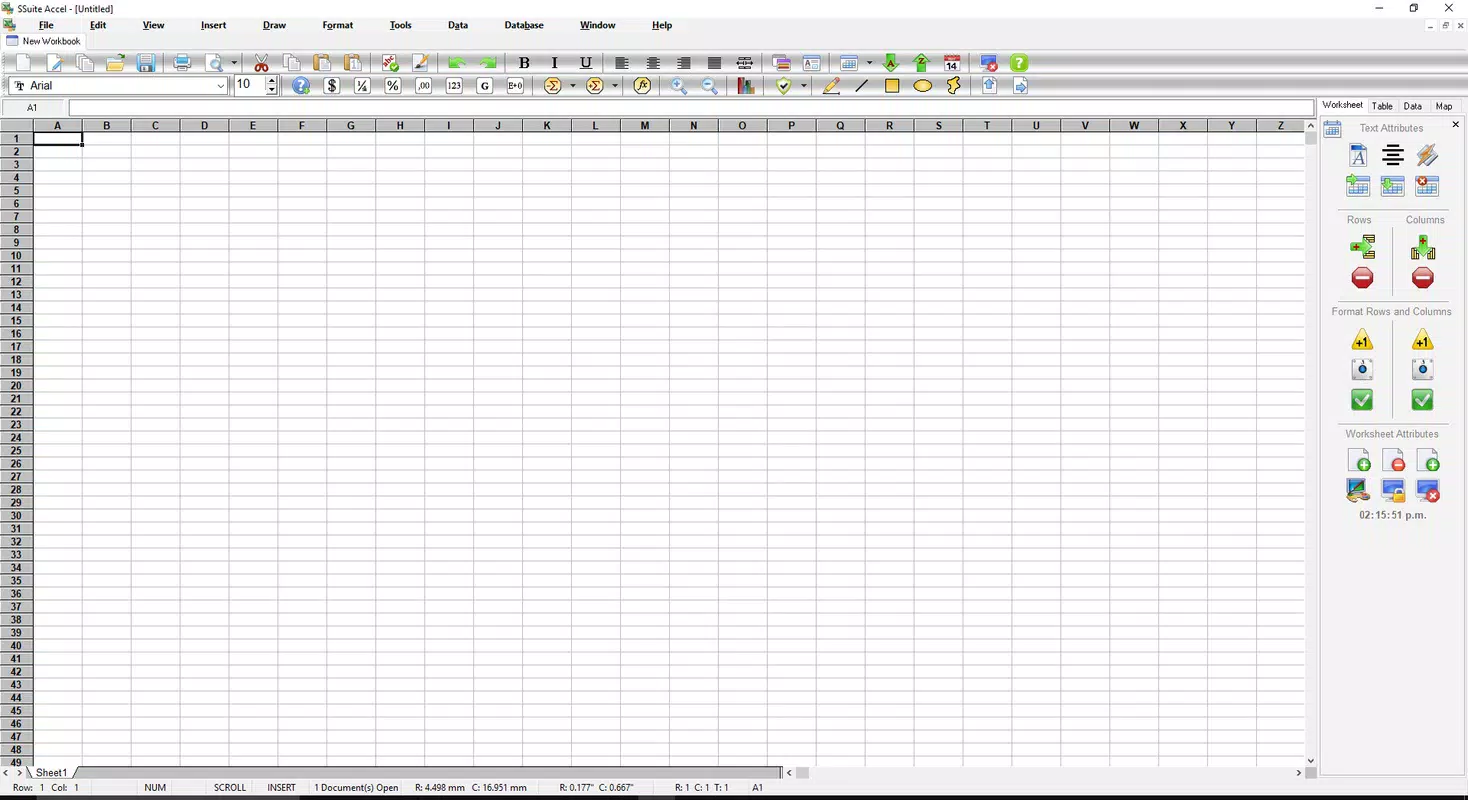
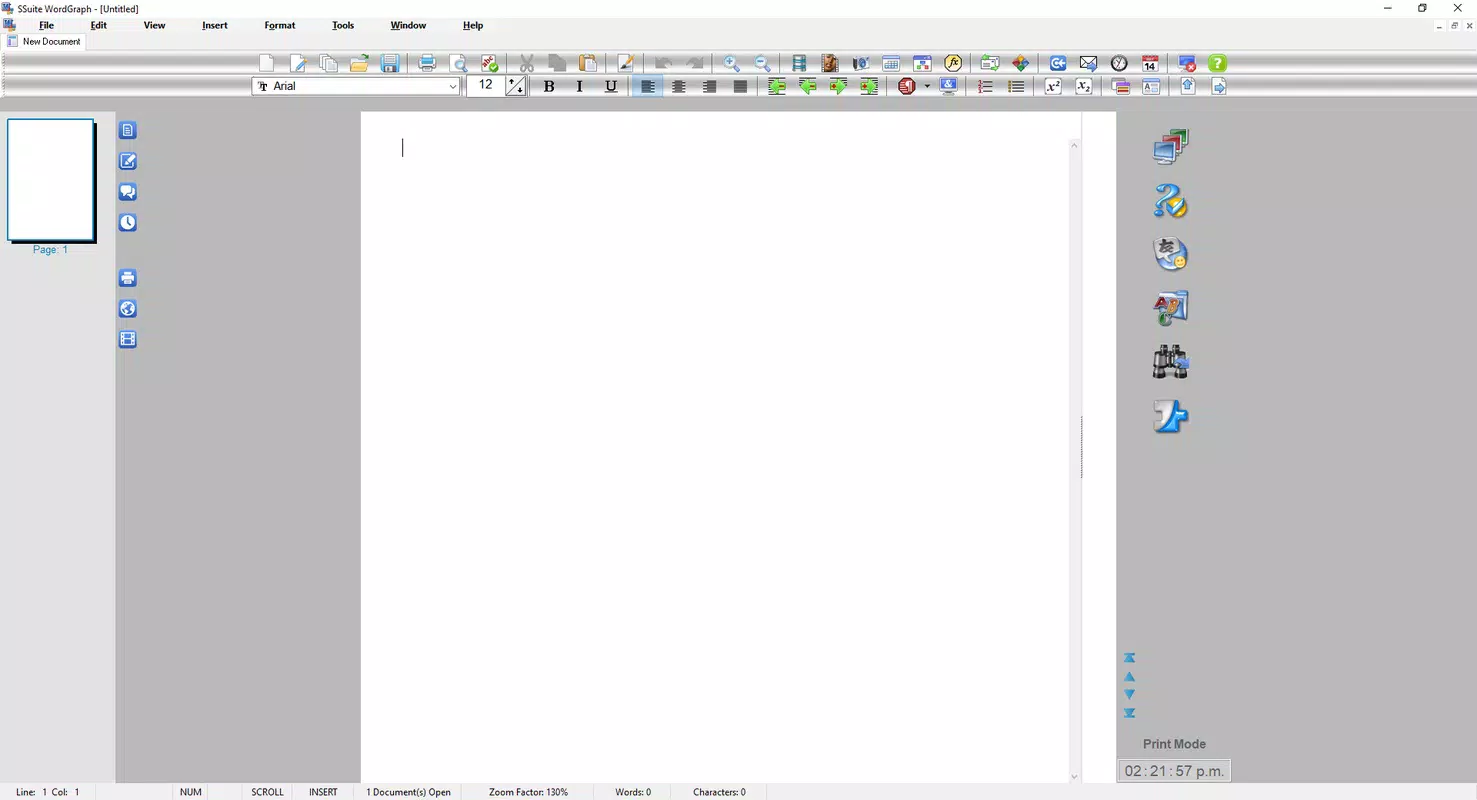
- All-in-One Office Suite: Combines word processing, spreadsheet editing, and document conversion tools within a single interface, reducing the need for multiple applications.
- User-Friendly Interface: Features a polished, colorful design with intuitive navigation, allowing users of all skill levels to access and use tools efficiently.
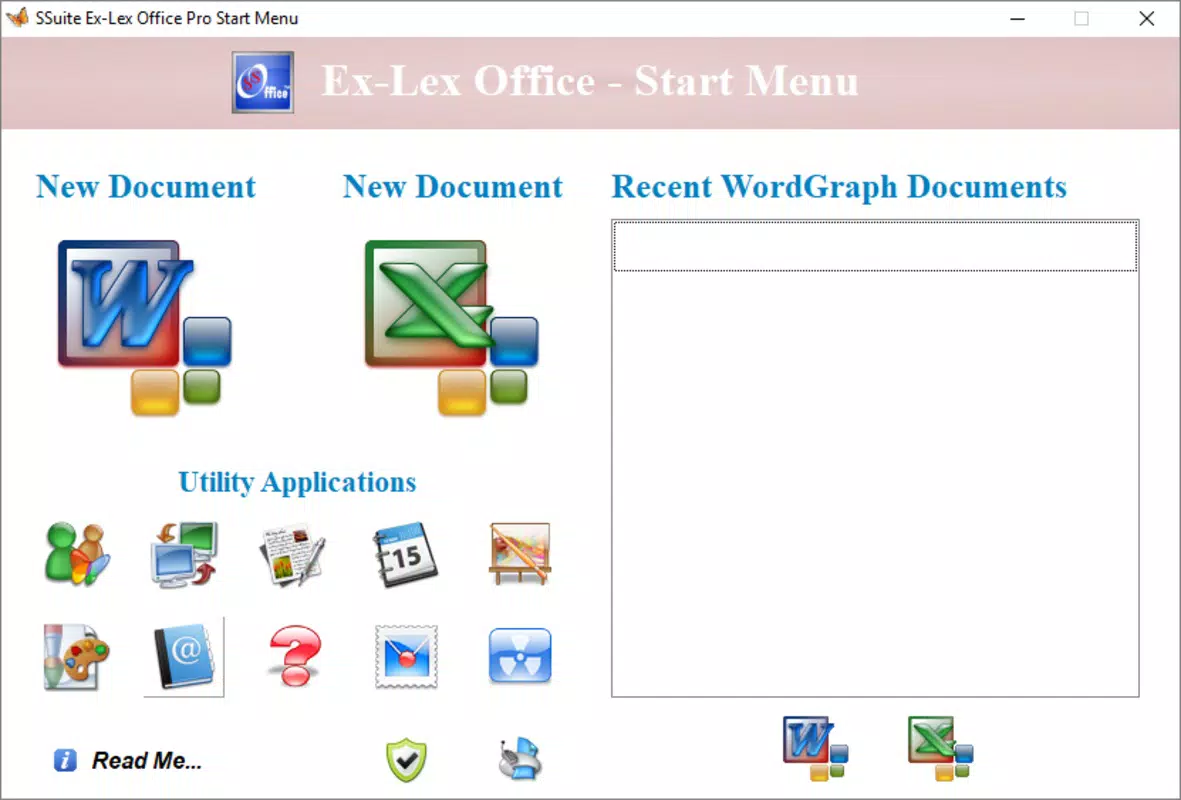
- Quick Access Launcher: Provides immediate entry to all built-in features upon launch, enabling rapid task switching and improved workflow continuity.
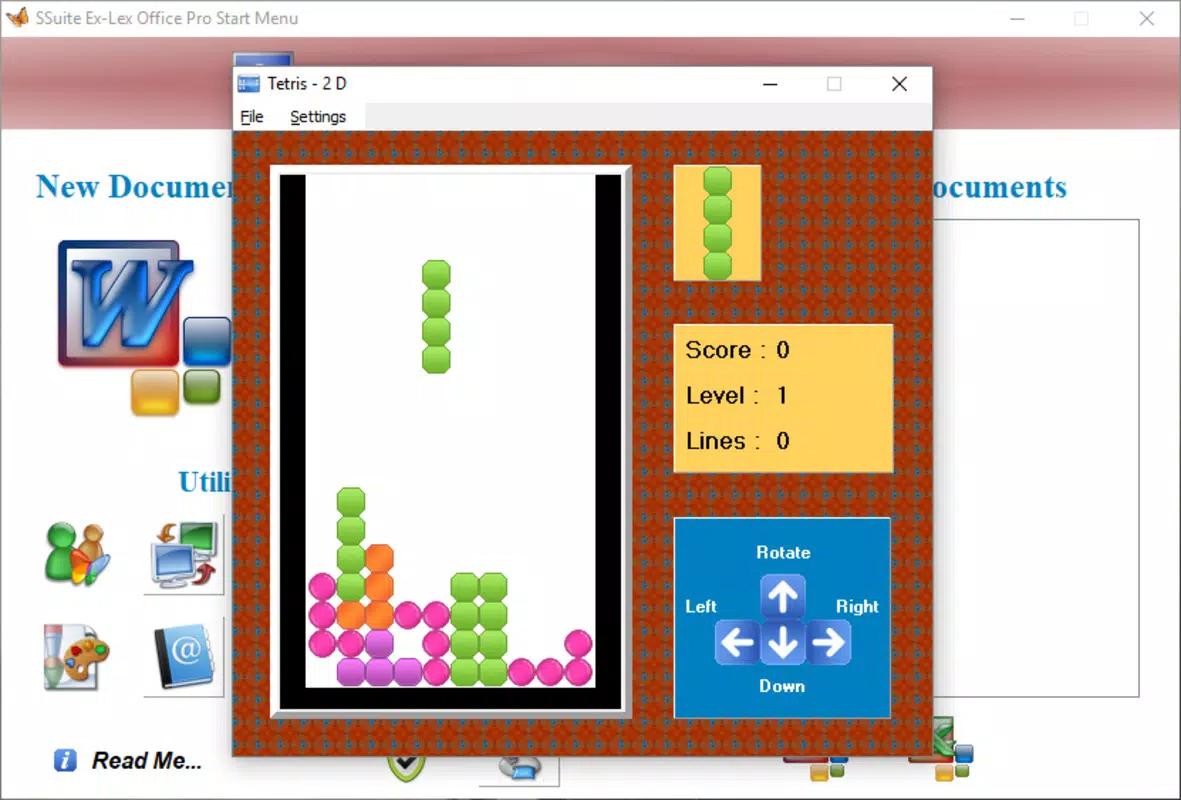
- Integrated Tetris Game: Offers a classic Tetris experience as a built-in relaxation tool, helping users refresh their focus during work sessions.
- Self-Contained Functionality: Requires no external programs or third-party dependencies, ensuring a seamless and uninterrupted user experience.
These features are particularly beneficial in real-world scenarios such as preparing a school project with tables and text, managing a personal budget using spreadsheets, or converting a document from one format to another during a commute. The launcher’s instant access minimizes time spent searching for tools, while the Tetris game serves as a mental reset, supporting sustained concentration. For remote workers, having all essential tools in one place reduces device clutter and simplifies multitasking. The absence of external dependencies ensures stability and reduces the risk of compatibility issues. Overall, the functionality is designed to enhance both productivity and user satisfaction through thoughtful integration and ease of access.
Interface, UX & Performance
The user interface of SSuite Ex-Lex Office Pro presents a colorful and polished layout, emphasizing visual clarity and navigational simplicity. The design appears to prioritize usability, with well-organized menus and intuitive icons that guide users through various functions. Navigation flows logically from the main launcher to individual tools, minimizing the learning curve for new users.
The application maintains consistent visual feedback across actions, contributing to a responsive and predictable experience. Although the developer did not list formal performance metrics, the app’s architecture suggests optimization for mobile environments, enabling smooth operation across different device categories. Responsiveness is likely maintained through efficient resource management, ensuring that tasks like text editing or spreadsheet calculations do not cause lag or crashes.
Stability appears to be a focus, as the app operates without requiring external programs, reducing potential points of failure. The inclusion of a built-in Tetris game further indicates attention to user well-being, encouraging mindful breaks without leaving the application. While specific performance data was not disclosed, the app’s design implies a balance between visual appeal and functional efficiency.
Users can expect a stable, easy-to-navigate environment suitable for both casual and intensive use.
Platform Compatibility & Technical Requirements
SSuite Ex-Lex Office Pro is available on Android and iOS platforms, offering broad accessibility across major mobile ecosystems. The app’s software version is not specified beyond its release date of March 29, 2024, and no minimum OS requirements were listed. File size information is also unavailable, though the app’s comprehensive nature suggests it may require moderate storage space.
The developer did not specify compatibility details for older devices or particular hardware configurations. Specific requirements were not listed, so users should verify system compatibility through their device’s app store. Without further technical disclosures, it is advisable to ensure the device meets standard requirements for running productivity applications.
The absence of detailed specifications means users should rely on official app store descriptions for accurate installation guidance. Despite this, the app’s self-contained nature implies it is designed to function independently across supported devices, minimizing dependency on external frameworks.
Pros and Cons
Pros
- Integrated suite of essential office tools in one application
- Colorful, user-friendly interface suitable for all skill levels
- Quick access launcher for fast tool switching
- Includes a built-in Tetris game for mental breaks
- Operates without requiring external programs or dependencies
Cons
- Specific performance metrics and system requirements were not disclosed
- File size and version details were not provided
- Compatibility with older devices or OS versions was not confirmed
- No information on cloud sync or cross-device data sharing
- Developer background and support channels were not specified
FAQ
Is SSuite Ex-Lex Office Pro free to download?
The app’s pricing information was not provided. Users should check the official app store listing for current pricing and availability.
Can I use SSuite Ex-Lex Office Pro on both Android and iOS?
Yes, the app is available on both Android and iOS platforms, though specific version compatibility details were not disclosed.
Does the app support cloud storage or file syncing?
The developer did not provide information about cloud integration or cross-device file synchronization.
Is the Tetris game available offline?
Given that it is a built-in feature, the Tetris game is expected to function without an internet connection.
How often is SSuite Ex-Lex Office Pro updated?
Updates are not publicly documented. Users should monitor the app store for the latest version and improvements.
Final Thoughts + CTA
SSuite Ex-Lex Office Pro stands out as a thoughtful solution for users seeking a unified, accessible, and enjoyable office experience on mobile devices. Its all-in-one design eliminates the need to juggle multiple apps, while its intuitive interface ensures that even beginners can navigate with confidence. The inclusion of a classic Tetris game adds a unique layer of user care, promoting mental well-being during work sessions.
Though technical details such as file size, OS requirements, and update frequency remain undisclosed, the app’s self-contained architecture suggests reliability and ease of use. It is particularly valuable for students, freelancers, and remote professionals who need a dependable toolset on the go. With its blend of productivity, simplicity, and subtle entertainment, SSuite Ex-Lex Office Pro delivers strong value in a compact package.
Download SSuite Ex-Lex Office Pro now and experience a smarter way to work.


